Motion Design With Claude: TikTok Videos That Hold Attention
How Claude makes a motion design video for TikTok, why the format fits official guidance, and how to make a series of them with Oposto.
By Théo, Oposto team · · Content creation
Yes, Claude can make a motion design video: it writes the code for each scene (text, shapes, movement), and that code is rendered into a vertical 9:16 video ready for TikTok, Reels and Shorts. The text stays sharp, the hook is written scene by scene, and each new video is a one-sentence change. Making one takes a rendering tool. Making one a week, or one a day, is what Oposto's video studio does from a single sentence.
What is a motion design video written by Claude?
A motion design video is made of drawn elements that move: words, numbers, shapes, screens, logos. There is no camera. With Claude, each scene is a small program that describes where every element sits, frame after frame: the title slides in, the number grows, the background changes color. A rendering engine reads the program and builds the video file.
The difference from a video made by a video model (the kind that imagines frames from a text prompt) matters a lot on social media. The text, colors and logo are not imagined. They are written.
| What you are looking at | Motion design written by Claude | Video made by a video model |
|---|---|---|
| On-screen text | Written by the code: exact and sharp | Drawn like an image: often warped or unreadable |
| Colors and logo | Your exact values | Approximate |
| Real people and places | No, that is not the point | Yes, but imagined |
| Changing one word | One sentence, the rest stays put | Often, everything is redone |
| Showing an interface | Rebuilt cleanly | Screens are often unreadable |
| Best for | Announcements, numbers, lists, explainers, hooks | Mood, settings, gestures |
The two do not compete: motion design is the right choice when the message lives in the words. Our article on AI-generated video explains where the other family helps and where it shows.
From one sentence to a published video
- Your sentence The idea and the hook
- The plan Scenes, their length, the motion in each
- The scene code Text, shapes, brand colours
- The sound Voice, music, sound effects, captions
- The render A vertical 9:16 file
- Publishing Scheduled on your accounts
Why does this format work on TikTok?
No format works every time, and no video comes with a promise of views. But motion design written in code answers, point by point, the guidance TikTok publishes in its help center under creative best practices. That guidance is written for ads, and the same habits help regular posts.
| What TikTok recommends | What motion design does |
|---|---|
| Put the hook in the first 6 seconds | Scene 1 is written for exactly that: a word, a number or a question on the very first frame |
| Introduce the content proposition in the first 3 seconds | The promise fits in one sentence, said and written in scene 1 or 2 |
| Show text, 5 to 10 words per second | The text comes from the script: it is timed to the voice and never cut off |
| Use sound or music | Voice-over, music and sound effects are part of the film |
| Vertical 9:16, at least 720p, inside the safe zone | The format is fixed from the start, and the app interface margins stay clear |
On Instagram, Meta states that Reels play with sound on by default, so a silent video loses half its message.
There is a fourth reason, less visible: a motion design video is a text file. A series of ten videos is the same frame (colors, fonts, logo) with ten different ideas. You test more hooks for the same effort and keep the ones that hold attention.
What do motion design videos look like in practice?
Frames from a real Oposto film
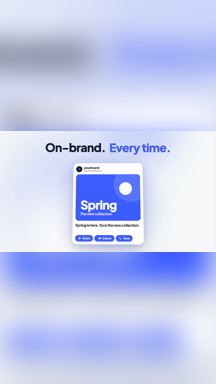
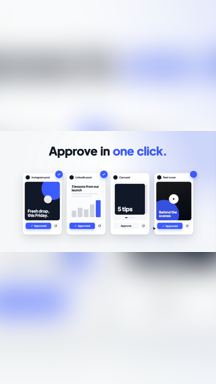
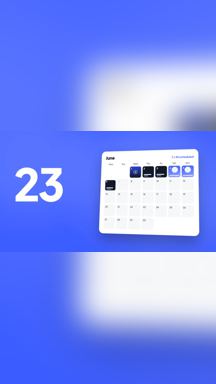
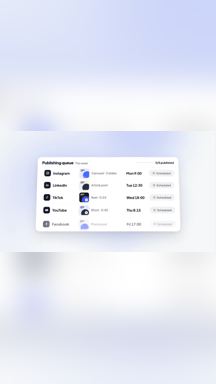
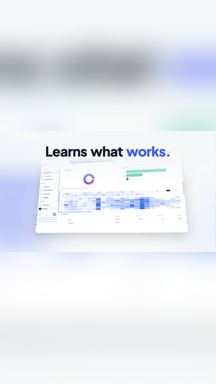
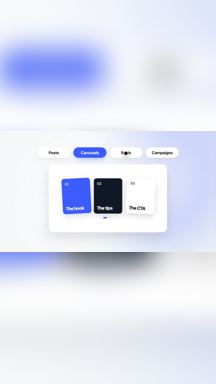
Here are frames from an Oposto motion design film, in vertical format. One scene, one idea, one main movement.
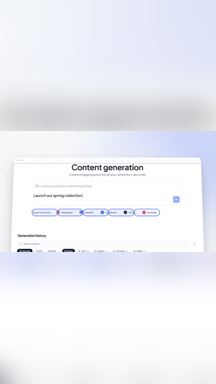
- A content generation screen opens in the center.
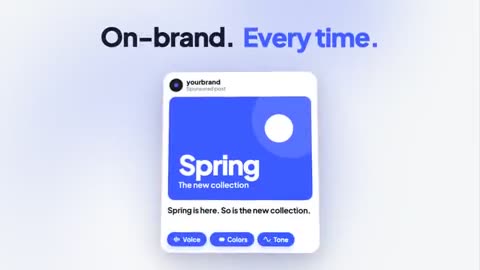
- The message "On-brand. Every time." appears above a post in the brand's colors.
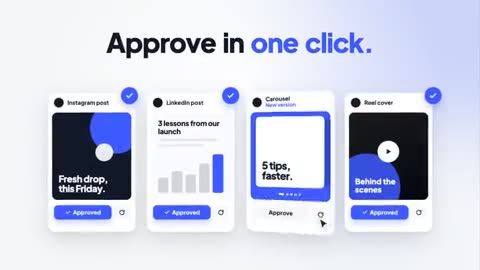
- "Approve in one click." Four posts to approve show up side by side.
- A calendar lands on a solid blue background, with a big number on the left.
- A table shows the scheduled posts.
- "Learns what works." An analytics screen appears under the sentence.
- Format tabs follow one another: posts, carousels, Reels, campaigns.
Notice what they share: each scene fits in one short sentence, in large type, on a simple background. It reads on a phone, with or without sound.
Four short films to watch
Watch four short films, press play on any of them.
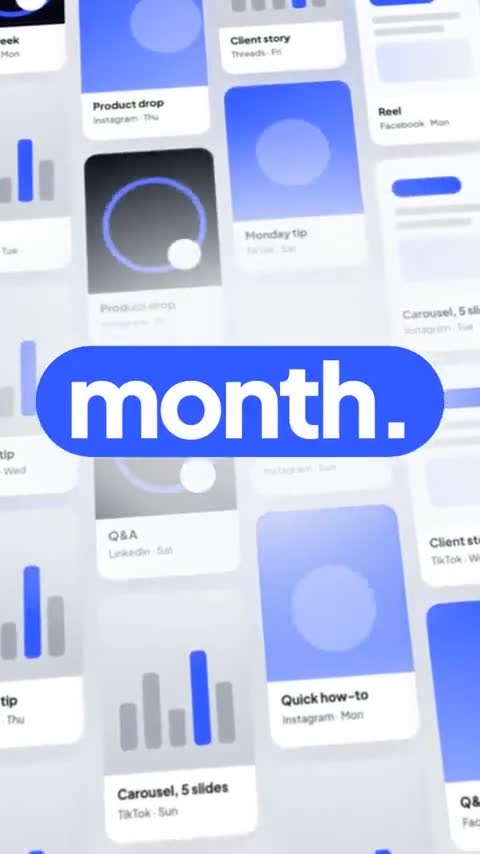
A wall of posts and two messages up close
Animated elements on top of a filmed person
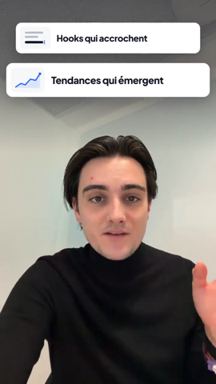
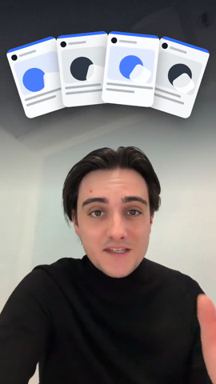
Motion design does not have to replace the camera: it can sit on top of it. Here, animated text cards are added over a take filmed with a teleprompter, to illustrate what the person says.
Ten video ideas to test
These are topics that suit motion design well. The hooks are fictional: adapt them to your business.
| Video type | Possible hook (fictional) | What moves |
|---|---|---|
| New arrival | "New: the spring collection" | The word "New" grows, then the product arrives |
| Key number | "3 mistakes that cost you customers" | The number grows, then each mistake is written in turn |
| Step-by-step list | "4 steps to plan your week" | Each numbered step slides into place |
| Myth versus reality | "No, you do not need to post every day" | The word "No" appears, then the text corrects itself |
| Before and after | "Your calendar, before and after" | An empty screen fills up |
| Question to the audience | "Still publishing by hand?" | The question appears, then three possible answers |
| Limited offer | "Until Sunday only" | A countdown builds |
| Explaining a term | "What is a hook?" | The word splits apart, each part is defined |
| Behind a number | "How we get this result" | A diagram builds step by step |
| Event reminder | "See you Saturday at 10 a.m." | The date and time land on a branded background |
How do you make a motion design video with Claude, step by step?
- Write the promise. One sentence: what the viewer will understand or gain. That is your hook.
- Split it into short scenes. One idea and one main movement per scene. If a scene needs two sentences, cut it in two.
- Give Claude the frame. Vertical 1080 by 1920, exact color codes, fonts, and clear margins at the top and bottom for the app interface.
- Ask for one scene at a time. Watch it, then fix it in one sentence ("slower", "bigger title"). Move on to the next.
- Add the sound. A voice-over written from the script, music, light sound effects on key movements. Time the text to the voice.
- Export to MP4 and watch it on a phone. Check the first 3 seconds, with and then without sound.
A typical request for the first scene (fictional example):
Write scene 1 of a vertical 1080 by 1920 video. Blue background #2F5BFF. The word "New" appears in the center in white, very large, then grows slightly. Below it, the line "our spring collection" appears. Duration: 2 seconds. Keep the top 250 pixels and the bottom 480 pixels clear.
What stops most people is not the writing, it is the rendering. The code only becomes a video in a rendering tool installed on a computer or a server, with fonts to load, sounds to assemble and subtitles to time. That is the unglamorous part Oposto takes care of.
How do you make a series with Oposto?
Oposto follows the same method and removes the rendering and assembly. Here is how it compares:
| Step | By hand with Claude | With Oposto |
|---|---|---|
| Colors, fonts, tone | You give them again in every conversation | The Content DNA keeps them from your site |
| Idea and hook | You search on your own | The week's hooks, trends and formats are suggested, adapted to your brand (from the Lite plan) |
| Scenes and code | One scene at a time | One sentence is enough to get the whole video |
| Voice, music, subtitles | To assemble yourself | Voice-over, music, sound effects and subtitles are included, and the mix is decided for each film |
| Export | You launch the render | The MP4 file is prepared automatically at the end |
| Changing a detail | Rerun the scene | Ask for it in the chat |
| Publishing | You import the file | Scheduling on 8 networks, including TikTok, Instagram and YouTube |
In practice, here is the path for a series:
- Open Inspirations: pick a hook or a format of the week and click "Create". The request is prepared for you, and you read it before sending.
- Ask for the video in the chat or in the video studio: "A 30-second video about the 3 mistakes our customers make." The "Motion design" level is the most polished: it is included from the Pro plan, in two versions: "Basic", faster, and "Pro", whose scenes are written by Claude (Opus 5.5). Free plans get a simpler version.
- Watch the result and tweak it by asking: "bigger number", "calmer music".
- Start again with another idea. The brand frame stays the same from one video to the next, which gives a consistent series.
- Schedule it, or add the video to a campaign: from the Max plan, a "Videos too" setting adds up to two videos a week to the automatic campaign, to approve like any other post.
Prefer to stay in Claude? Oposto Connect lets you use Oposto from Claude or ChatGPT.
What are the limits of motion design written by Claude?
- No real people or places. To show a real person, film yourself with the video coach, or use an existing video. For ideas without a face, see our Reel ideas without showing your face.
- A mistake in the script is rendered perfectly. The code writes exactly what it is given: check numbers, names and dates before exporting.
- The format does not replace the idea. A weak hook stays weak, even when animated very cleanly.
- No guarantee of views. Test several hooks, then check in TikTok's analytics where people leave the video.
- Length depends on the network and the idea. Keep each scene short. For Instagram, see how long a Reel should be, and for TikTok the formats and best practices guide.
Frequently asked questions
Can Claude generate a video directly?
No, it writes the code for each scene, and a rendering tool turns that code into a video. That is what guarantees exact text and faithful colors.
Do you need to code to make motion design with Claude?
By hand, you need to be comfortable with a rendering tool. With Oposto, one sentence is enough: the code, the render and the assembly are done for you.
Do motion design videos perform better on TikTok?
No official source promises it. TikTok recommends a hook in the first 6 seconds, on-screen text and sound, and motion design makes those easy to follow. Test several hooks.
Is motion design available on the free plan in Oposto?
A simpler version is offered on the free plan. The "Motion design" level, the most polished, is included from the Pro plan.
Can you use Oposto from Claude?
Yes. With Oposto Connect, you can use Oposto from Claude or ChatGPT.
Make motion design videos in series with Oposto
Describe the video in one sentence: Oposto writes the scenes, adds the voice, music and subtitles, prepares the file and schedules it on your networks. Try Oposto for free.