Redo a trend with your face: the Genjutsu model
A trend video and a photo of you: the Genjutsu model returns the same video with you in it. When to use it, its limits and how to do it in Oposto.
By Théo, Oposto team · · Content creation
To redo a trend with your own face, the simplest route is a model that replaces the person in a video: the Genjutsu model takes the trend video (4 to 30 seconds) and your photos, and returns the same video with you in it, keeping its length, framing, background and lighting. If you would rather have a new video inspired by the trend, staged your way, Seedance 2.5 is the better choice. In Oposto, one sentence is enough: "redo this trend with me", with the video and a photo of yourself.
Updated November 5, 2026. Video models move fast; for the full picture, see our November edition on the best AI video model for social media.
What does "redo a trend with your face" mean?
A trend on TikTok or Reels is a format that thousands of accounts copy: a sequence of moves, a framing, a punchline, often a sound. Shooting it yourself takes time: finding the place and the light, rehearsing the moves, filming ten takes. Person replacement takes another path. You keep the original video, shot for shot, and only the person changes: it becomes you, based on your photos.
This is not a filter on a face. The model redraws the whole person (face, hair, body, clothes) inside the moves of the original video. The background, the lighting and the camera moves are not reinvented: they come from the trend video.
How the Genjutsu model redoes a trend
- Your photo One to four sharp photos of you, face clearly visible.
- The trend video 4 to 30 seconds, one person on screen.
- The swap The person in the video becomes you, move for move.
- The redone video Same length, same framing, same background: with you.
How does the Genjutsu model work?
Genjutsu gets two things: a reference video and photos of the person who should appear. It follows the person in the video frame by frame and replaces them with the person from the photos. The output keeps the length and format of the original video: a 15 second vertical trend stays a 15 second vertical video. The source video must last between 4 and 30 seconds.
What you get is very close to the original: the same moves, at the same moment, in the same place. That is exactly what a trend needs, since the audience recognizes it at first glance.
Genjutsu or Seedance 2.5: which one for a trend?
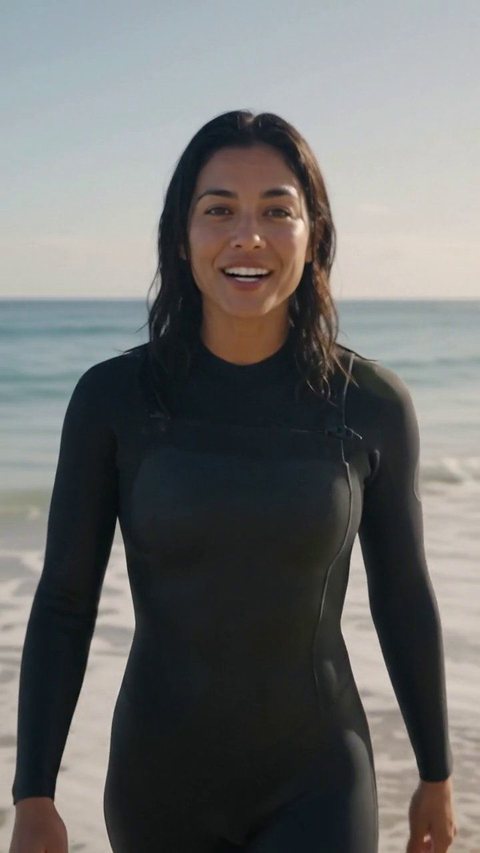
Both start from a video and your photos, but they do different things. Genjutsu replaces the person in the existing video. Seedance 2.5, by ByteDance, creates a new video where you are the character, inspired by the movement and staging of the trend. The background and lighting are then reinvented.
Genjutsu or Seedance 2.5 for a trend
Genjutsu
- Keeps the original video shot for shot
- Replaces only the person
- Same length and framing
- 4 to 30 second source video
Seedance 2.5
- Creates a new video inspired by the trend
- You as the character, new background
- You can change the place or the mood
- The best rendering, and the most expensive
| What you want | The right choice | Why |
|---|---|---|
| The same trend, with you instead | Genjutsu | It keeps everything except the person |
| The trend in your store or office | Seedance 2.5 | It reinvents the background around you |
| An invented scene, longer, low cost | Kling 4.0 (Kuaishou) | 3 to 30 seconds, 720p or 1080p |
| An announcement with text and numbers | Motion design | Text is written, never distorted |
| You, for real, on camera | The teleprompter | Your real voice, your real words |
Kling 4.0 is not built to copy a trend: it invents a scene, longer and cheaper. Motion design has no person on screen: it is the right format when the message lives in the words, as our article on motion design with Claude explains. And if you would rather film yourself, read how to film yourself with a teleprompter.

How do you redo a trend with your face in Oposto?
- Find the trend. Spot a format that works in your field. Oposto's inspiration page and our breakdowns, like the trend breakdown for the week of November 2, help you choose.
- Open the chat. Paste the link to the Reel or TikTok, or attach the video if you already have it.
- Attach a photo of yourself. One to four sharp photos, face clearly visible.
- Type "redo this trend with me". That is all. When there is a 4 to 30 second reference video and your photo, Oposto picks the Genjutsu model on its own.
- Check the scene. The storyboard shows the scene, the chosen model and the quality. You can switch model or quality before launching.
- Launch and publish. The video lands in your project, ready to schedule.
This feature is for paid plans. If the video is shorter than 4 seconds or longer than 30, Oposto uses another model instead, usually Seedance 2.5, and tells you so.
Genjutsu in Higgsfield or in Oposto: what is the difference?
Genjutsu is a model made by Higgsfield. You can use it directly in the Higgsfield app, or through Oposto. The model is the same: what changes is everything around the video.
| What you need | In Higgsfield | In Oposto |
|---|---|---|
| Replace the person in a video | Yes, you pick Genjutsu yourself | Yes, picked for you when you write "redo this trend with me" |
| Get the trend video | Download it, then upload it | Paste the Reel or TikTok link in the chat |
| Pick the right model | Up to you to compare | Genjutsu, Seedance 2.5 or another one, based on the video and its length |
| Your brand (colours, tone, logo) | Given again every time | Kept once in your content DNA |
| Caption, subtitles, hashtags | Done somewhere else | Written with the video |
| Publish and schedule | Done somewhere else | Scheduled on your accounts, inside your campaign |
If you only make a video now and then and like to tune every detail, the model maker's app is enough. If you want to redo trends every week with your face, then publish them without switching tools, Oposto does all of it from one sentence.
What are the limits of person replacement?
- The sound of the original video. If you keep the trend's music or voice, it is up to you to check that you are allowed to use it. Oposto points it out and blocks nothing, but a brand does not have the same rights as a personal account. Read our article on whether brands can use trending music.
- The quality of the source. A blurry, dark or heavily compressed video gives a blurry, dark or heavily compressed result. Start from the sharpest file you can get.
- Very fast moves. A very quick dance, a jump or a spin can leave a few less sharp frames or a less faithful face for a moment.
- Several people on screen. The model is built for one person. With two or three people, the result is less reliable: pick a trend with one person at the center.
- Rights to the original footage. The original video belongs to someone. Reusing a format is common; copying another creator's video remains your responsibility.
Which photos should you provide for a good result?
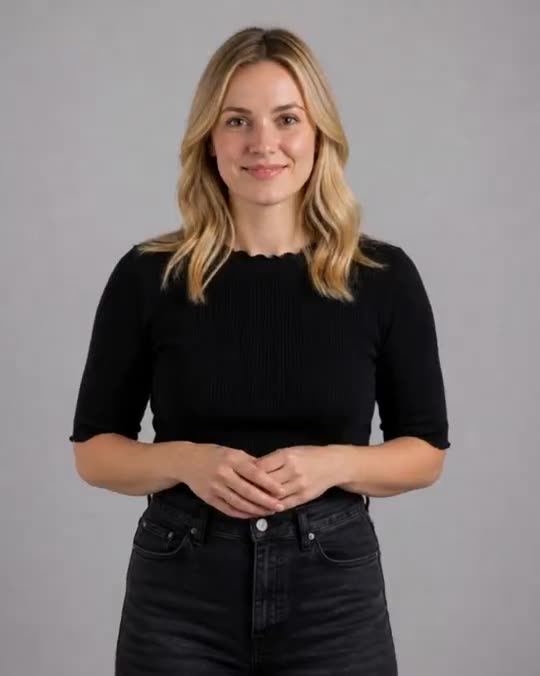
- A clearly visible face: from the front or three quarters, no sunglasses, no hand in front.
- Good light: soft daylight, no backlight, no strong shadow across half the face.
- Two to four photos: several angles help the model keep your features when you turn your head.
- An outfit close to the trend: if the person in the video wears sportswear, a photo of you in sportswear looks more natural.
- Recent, sharp photos: no blurry screenshot, no cropped group photo.
For more video ideas, with or without you on screen, see our Reel ideas without showing your face and our guide to AI generated video for social media.
Frequently asked questions
How do you redo a TikTok trend with your own face?
Give a person replacement model, such as the Genjutsu model, the trend video (4 to 30 seconds) and one to four photos of yourself. It returns the same video with you in it.
Is Genjutsu a Higgsfield model?
Yes. Genjutsu is made by Higgsfield. In Oposto, it is picked for you when you ask to redo a trend with your face, then the video gets its caption and is scheduled on your accounts.
What does the Genjutsu model keep from the original video?
Genjutsu keeps the length, format, framing, background, lighting and moves. Only the person is replaced by the person in your photos.
What is the difference between Genjutsu and Seedance 2.5?
Genjutsu replaces the person in the existing video. Seedance 2.5 creates a new video where you are the character, inspired by the trend, with a new background.
Can I keep the trend's music?
Technically yes, but the rights are your responsibility: a brand is not always allowed to use popular music. Check before you publish.
Is person replacement available on Oposto's free plan?
No. The Genjutsu model is for Oposto's paid plans, which pick it automatically when you ask to redo a trend with your photo.
Redo a trend with your face with Oposto
In Oposto you do not have to choose between models. You paste the trend, attach your photo and write what you want. Oposto measures the video's length, picks Genjutsu when the trend should be copied with you in it, Seedance 2.5 when you need a new version, and shows its choice in the video studio before launching. Your photos stay in your media library for the next trend.
Around the video, Oposto handles the rest: the caption in your brand's voice thanks to content DNA, the pre-publish score, scheduling on TikTok, Instagram and YouTube. And if a trend needs your real voice, the video coach has you film with the teleprompter.