Best AI Model for Social Media Images (October 2026)
Where image models stood in October 2026, the right pick for each social media use, and what Oposto used.
By Théo, Oposto team · · Tools
In October 2026, the best AI model for social media images is OpenAI's GPT Image 2.5: Sunburst for the most polished renders and edits, Flare for speed. Google's Nano Banana 2 and 2.1 are close behind, ByteDance's Seedream 5.0 shines on glamour shots, and Midjourney V8.2 remains a reference for art direction, lower in the rankings. The right pick depends on what you post: a product photo, a person, a carousel with text, a poster or an edit of a real photo.
Updated October 31, 2026. A newer edition is out: the best AI image model for social media in November 2026, with the arrival of GPT Image 2.6.
What is the best AI image model in October 2026?
There is no official ranking. The most followed public leaderboards ask people to vote blind between two images, then compute a score. In October 2026, the text to image leaderboard from Artificial Analysis puts GPT Image 2.5 Sunburst (at maximum quality) in first place, with GPT Image 2.5 Flare right behind. Other arenas show the same order with different numbers. On image editing, Sunburst also comes first.
Keep two caveats in mind. These rankings move every week, and a new model can reshuffle everything in a few days, which is exactly what happened in early November. And they judge images on their own, out of context. The image that wins a vote is not always the one that respects your colors, your product and your logo.
| Model | Maker | Strength | Good to know |
|---|---|---|---|
| GPT Image 2.5 Sunburst | OpenAI | Detail, readable text, precise edits | Slower than Flare |
| GPT Image 2.5 Flare | OpenAI | Fast, very good at layouts | Slightly less fine detail |
| Nano Banana 2 and 2.1 | Right behind, good at edits | Sometimes a smoother look | |
| Seedream 5.0 | ByteDance | Glamour, fashion, beauty | Less comfortable with lots of text |
| Midjourney V8.2 | Midjourney | Cinematic look, art direction | Lower in rankings, weaker on text |
This table sums up the public October rankings and what we see in daily use. It gives no scores on purpose: numbers vary from one arena to the next, while the order stays fairly stable over the month.
Which model should you pick for each social media use?
On social media, you never make "an image". You make a product shot for a shop, a poster for an event, a carousel that explains something, or a real photo you want to look better. Each use needs a different strength: faithfulness to the product, sharp text, or a believable face.
| Use | First choice (October) | Good alternative | What matters |
|---|---|---|---|
| Product photo | GPT Image 2.5 Sunburst | Nano Banana 2.1 | Start from a real photo of the product |
| Photoshoot of a person | GPT Image 2.5 Sunburst | Seedream 5.0 | A reference photo of the face |
| Carousel with text | GPT Image 2.5 Sunburst or Flare | Nano Banana 2 | Short text, brand font given to the model |
| Poster or announcement | GPT Image 2.5 Flare | Midjourney V8.2 for mood | One idea, one readable headline |
| Editing a real photo | GPT Image 2.5 Sunburst | Nano Banana 2.1 | Keep the subject, change the rest |
| Logo or icon | Your real file | No image model | Never let a model redraw a logo |
One use, one habit
- Product photo The real product as reference The model reproduces your item instead of inventing a lookalike.
- Person A photo of the face Without a reference, every image shows someone different.
- Carousel Little text, big type One headline per slide, in the brand font.
- Poster One idea, one headline Flare composes fast and clean.
- Edit Keep the subject Sunburst changes the scene and leaves the rest alone.
- Logo The real file Placed as is, never redrawn.
Product photo: start from the real product
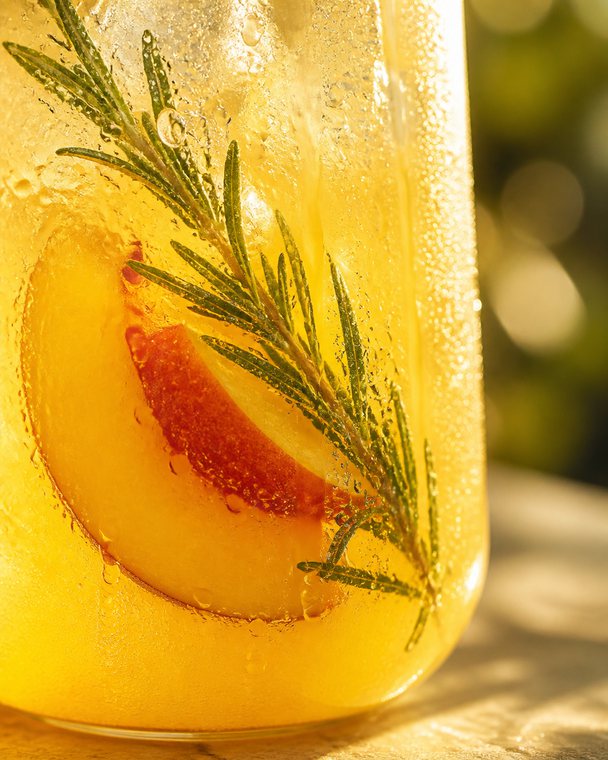
For a shop, a restaurant or a drinks brand, the image has to show the real product. The best October models can take a photo as a reference and place it in a new scene: on a table, outdoors, under a different light. Without a reference, they invent a product that "looks close", and your customers notice. Our guide to restaging product photos with AI walks through the method.
Photoshoot of a person: a reference, or nothing
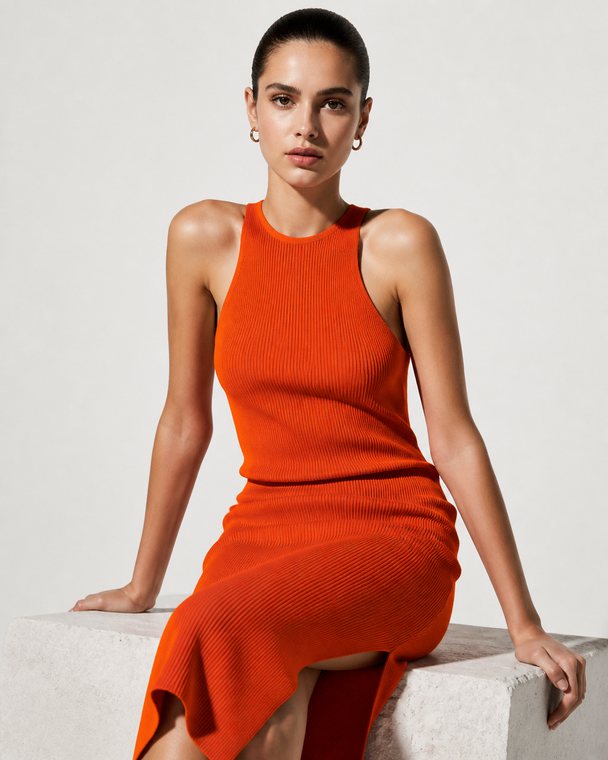
Showing the same person across several images is the weak spot of most models. GPT Image 2.5 Sunburst handles it best in October when you give it a real photo of the face. Seedream 5.0 delivers very polished fashion and beauty renders, sometimes too perfect for a local account. For a personal brand, always prefer your real photos and keep AI for backgrounds and variations.
Carousel with text: the text must be readable
Text inside images was the big flaw of models two years ago. In October 2026, GPT Image 2.5 writes sharp, typo free headlines in most cases, especially with Sunburst. The rule stays the same: one short headline per slide, in large type, with the brand font given to the model. For the full method, read how to make a design carousel without a designer.
Poster: one idea
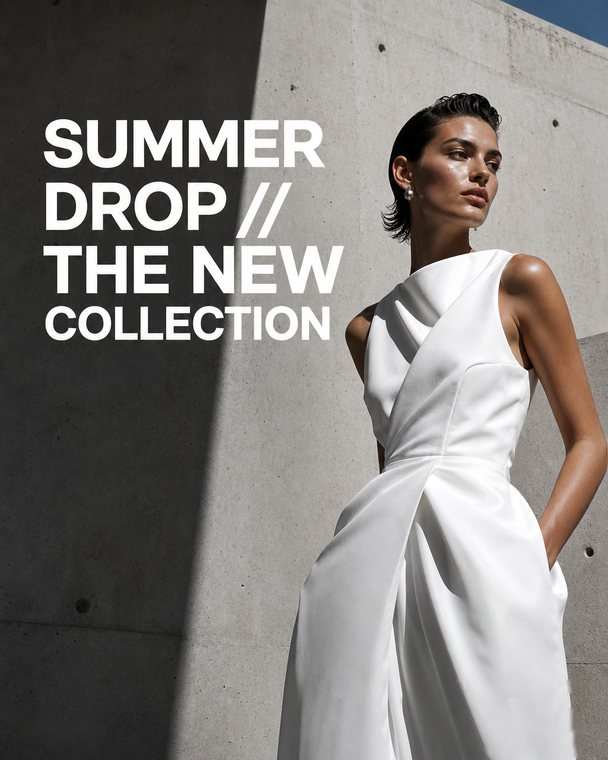
A poster that announces an event, an offer or a question to your community needs a clean layout, a strong headline and few elements. Flare is very good here, and faster, which helps when you want three versions before choosing. Midjourney V8.2 gives beautiful moods, but you will often have to add the text yourself.
Editing a real photo
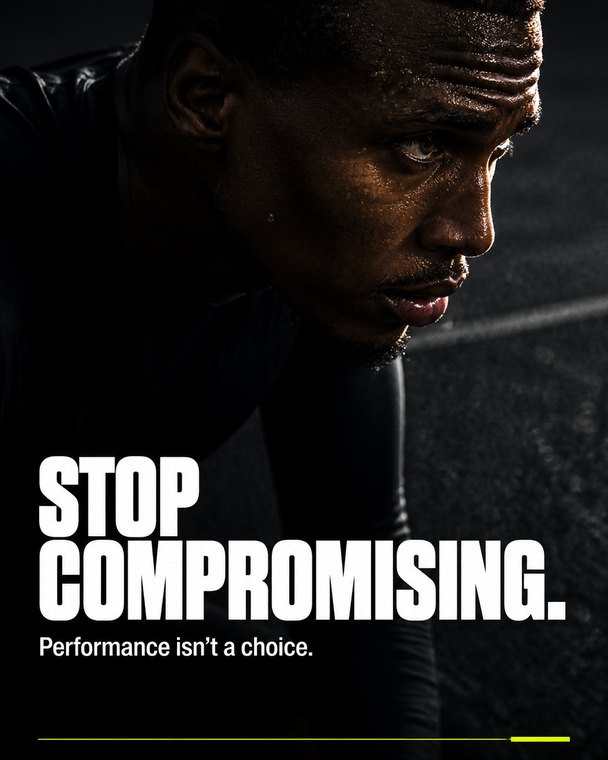
Improving a phone photo, changing a background, lighting a dish or cleaning up a shop front: that is editing. Sunburst tops the editing rankings in October. The right habit is to say what must stay identical (the product, the face, the logo on the packaging) and what can change (the scene, the light). An editing model that "reinvents" your product is useless to you.
Logo or icon: never redrawn
No image model reproduces a logo exactly: it draws something close, with an extra letter or a wrong color. For an existing logo, keep your file and place it on the image after generation. For a new icon, a model can suggest directions that you then have redrawn properly. Your social media visual identity should say which logo version goes on which background.
How do you get from a request to a great image?
Half of an image's quality comes from the model, half from what you give it. Here is the path that works, whatever the model.
From request to image
- Say what you post The platform, the format and the message in one sentence.
- Give the brand Colors, fonts, tone, what to avoid.
- Add the real photos The product, the place, the person, as faithful references.
- Pick the model Sunburst for detail, Flare for speed.
- Place the logo and check The real logo on top, one review before posting.
To write a good request, our article on writing a brief for AI has ready to use examples.
Which image sizes work for Instagram, LinkedIn and TikTok?
GPT Image 2.5 accepts sizes in multiples of 16, with a ratio from 1:3 to 3:1. Every social format fits. What matters is asking for the right format from the start rather than cropping afterwards.
Social media formats
- 4:5 Vertical feed Instagram, Facebook, LinkedIn, Threads
- 9:16 Full screen Stories, Reels, TikTok, Shorts
- 1:1 Square Every feed, and thumbnails
- 16:9 Landscape X, YouTube, banners
Exact sizes per platform are in our social media image and video size guide.
Do you need to pay for good images?
Image models have two dials: the model (Sunburst or Flare) and the requested quality (from low to maximum). The higher the quality, the finer the image and the higher the cost, because the model produces more image tokens. For a feed post, medium quality is very often enough. Maximum quality is mostly for leaderboards and very detailed visuals.
Sunburst or Flare?
Sunburst
- Fine detail, textures, faces
- Edits that keep the subject
- Long or small text
Flare
- Several versions fast
- Posters and layouts
- Previews and tests
What about video?
Video follows a different logic, with different models. A good image can still be the starting point of a scene. To know when generated video helps and when it shows, read our guide to AI generated video.
To go further on images themselves, our guide to AI images for social media shows what works and what looks fake.
Frequently asked questions
What is the best AI image model in October 2026?
OpenAI's GPT Image 2.5, in its Sunburst version, tops the October 2026 text to image rankings, with Flare right behind. Google's Nano Banana 2 and 2.1 follow closely.
Sunburst or Flare: which one for Instagram?
Sunburst for an image you will publish, with detail, a face or an edit. Flare to quickly get several versions of a poster or a layout.
Which AI model writes text in images best?
In October 2026, GPT Image 2.5 writes sharp headlines in most cases, especially with Sunburst. Keep text short and give the model your brand font.
Can an AI image model generate my logo?
No, an image model redraws a logo approximately. Keep your file and place it after generation, as Oposto does.
Which image model did Oposto use in October 2026?
GPT Image 2.5: Flare at low quality on the free plan, Sunburst at medium quality on paid plans. Since November, Oposto uses GPT Image 2.6.
Your social media images with Oposto
In October 2026, every image Oposto created went through GPT Image 2.5: posts, design carousels, edits of photos from your media library, product staging and slides. On the free plan, Oposto used Flare at low quality. On paid plans, Sunburst at medium quality, except for sign up previews and presentations, made with Flare.
Why this choice? Because it led the rankings, and above all because it respects what matters to a brand. Your real products are used as references, so the product in the image is yours. Your logo is placed by code, never drawn by the model. Your brand fonts are given to the model when the image carries text, thanks to your Content DNA. And a blank or broken image is rejected before it reaches you.
There is nothing to set up: you describe what you want in content creation or to the assistant, and Oposto picks the model, the format and the quality. When a better model ships, Oposto switches for you, and the way you work stays the same.