GPT Image 2.6: Sunburst or Flare for your social media?
Released on November 4, 2026, GPT Image 2.6 comes in two versions. Which one to pick for a carousel, a poster or a looping animation, and how to use it for social media.
By Théo, Oposto team · · Tools
GPT Image 2.6 is OpenAI's new image model family, released on November 4, 2026, in two versions: Sunburst for polished visuals and precise edits, Flare for speed and poster layouts. For a carousel with text or a real product that must look right, pick Sunburst; to try ten poster ideas quickly, pick Flare. Both cost the same per token, but 2.6 plans more before it draws, so a single image can cost more than with 2.5.
Updated November 5, 2026. Public leaderboards had not ranked 2.6 yet on that date. To compare it with Nano Banana, Seedream or Midjourney, read our November edition on the best AI image model for social media.
What is GPT Image 2.6?
GPT Image 2.6 creates and edits images from a text prompt and, if you want, from starting images. It follows GPT Image 2.5, released in October, which already led the text to image rankings. The name covers two separate models: gpt-image-2.6-sunburst and gpt-image-2.6-flare. OpenAI offers them in ChatGPT, in Codex and through its API, both to create an image (generations) and to change one (edits).
Four new features matter if you post on Instagram, LinkedIn or TikTok:
- A complexity setting: how much the model thinks about the layout before drawing.
- Animated GIF output: 2 to 64 frames playing on a loop.
- SVG output: a vector drawing that stays sharp at any size, for an icon or a pictogram.
- Markup guided edits: you circle what should change, everything else stays put.
Sunburst or Flare: which one should you use for social media?
OpenAI describes Sunburst as the model for detailed visual work: precise edits, a subject that stays the same from one version to the next. Flare is described as the model for fast iteration, built to run many tries, and is said to handle poster and product layouts well. Both share the same token price and the same endpoints.
| What you need | Sunburst | Flare |
|---|---|---|
| Stated strength | Detail, fine edits, consistent subject | Speed, many tries, poster layout |
| Carousel with headline and text | Safest to keep one style across 5 slides | Good for testing directions before you choose |
| A real product to respect | Recommended | Possible, check it closely |
| Recurring character | Recommended | Less consistent from image to image |
| Event poster | Very good | Very good, faster |
| Price per token | Same: $5 per 1M text input tokens, $8 per 1M image input tokens, $30 per 1M image output tokens | |
Sunburst or Flare at a glance
Sunburst
- Final visual to publish
- A real product or face to keep
- A 5 slide carousel in one style
- A precise photo edit
Flare
- Ten directions in a few minutes
- Poster, banner, simple product shot
- Drafts before you decide
- Tight on time
What does the complexity setting do?
Before drawing, GPT Image 2.6 plans the layout: where the headline goes, where the product sits, how the light falls. The complexity setting decides how long it spends on that plan. It has three values, low, medium and high, and defaults to high.
In plain words: low for a simple image (one object on a plain background), medium for a regular brand post with a headline, high for a busy scene with several elements and text. OpenAI warns that a higher level can take longer and add changes you did not ask for. This setting is separate from quality (low, medium, high, xhigh, max), which drives the final rendering.
Can GPT Image 2.6 make animated GIFs and SVGs?
Yes, through the API, and this is the real news for social media. An animated GIF has 2 to 64 frames (9 by default), and each frame stays on screen for 20 to 2,000 milliseconds (200 by default). That is enough for a short loop: a product turning, a number lighting up, a logo pulsing. In a Story or a direct message, a short loop catches the eye without needing sound.
An SVG is a drawing made of shapes, not pixels. It stays sharp at any size and can be edited afterwards (color, line weight). It is the right format for a set of Story highlight icons, a carousel pictogram or a small diagram. The documentation says you request one SVG at a time, and edits do not output SVG.
An honest limit: a GIF is not a video. No sound, few frames, a reduced color palette. For a real Reel you need a video model or motion design. We do not have a GIF made by Oposto to show you yet; here is a video made with Oposto instead, so you can see the difference in format.
How do markup guided edits work?
You keep your photo as it is and add a transparent layer of the same size on top, where you circle what should change: the bottle to reframe, the sky to brighten, the label to fix. You describe the change and what to keep. The model works on the marked area and leaves the rest alone. For a brand, this is useful when a photo is almost perfect and one detail is off.
What sizes work for Instagram, TikTok and LinkedIn?
Both sides must be multiples of 16, the ratio must stay between 1:3 and 3:1, and no side can go over 3,840 pixels. Above 2560 × 1440, OpenAI calls the sizes experimental. Here are sizes that follow these rules for common formats:
GPT Image 2.6 sizes by format
- 1:1 1024 × 1024 px Square post, every platform
- 4:5 1024 × 1280 px Instagram post and carousel, LinkedIn
- 9:16 1152 × 2048 px Story, Reel, TikTok, cover
- 16:9 2048 × 1152 px YouTube thumbnail, banner
For platform by platform details, keep our social media image and video size guide close by.
How much does an image cost with GPT Image 2.6?
Pricing is per token and the same for Sunburst and Flare: $5 per million text input tokens, $8 per million image input tokens, $30 per million image output tokens. These are the same rates as 2.5. But the cost of one image depends on how many tokens it uses, and 2.6 uses more of them to plan. A public test published on November 4, on only 3 images, measured about 2.8 times the cost of 2.5. That sample is tiny: treat the number as a rough idea, not a rule. Lowering complexity is the most direct way to pay less.
What can't GPT Image 2.6 do?
- No Batch processing according to OpenAI's model pages: each image is its own request.
- No access through the Responses API: you use the dedicated image endpoints.
- No video: a GIF stays a short, silent loop.
- No SVG edits: an SVG can be created, not edited by the model.
- No guarantee on long text: a short headline works well, a full paragraph still needs a letter by letter check.
Which model for which social media use?
| Use | Suggested model | Settings |
|---|---|---|
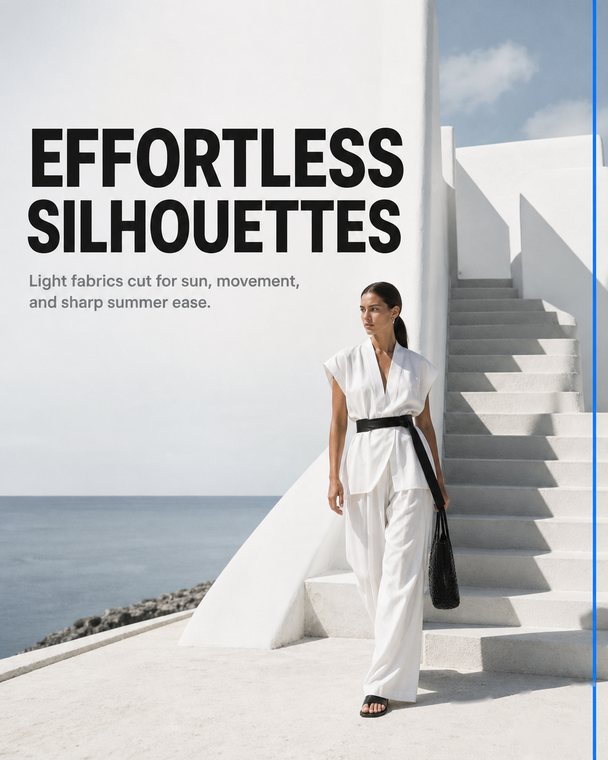
| Carousel with headlines and text | Sunburst | Complexity medium, 4:5 |
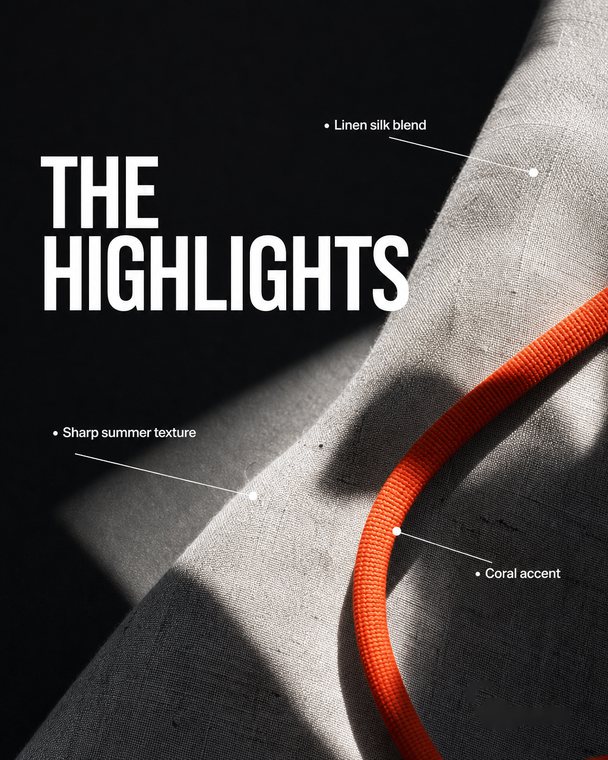
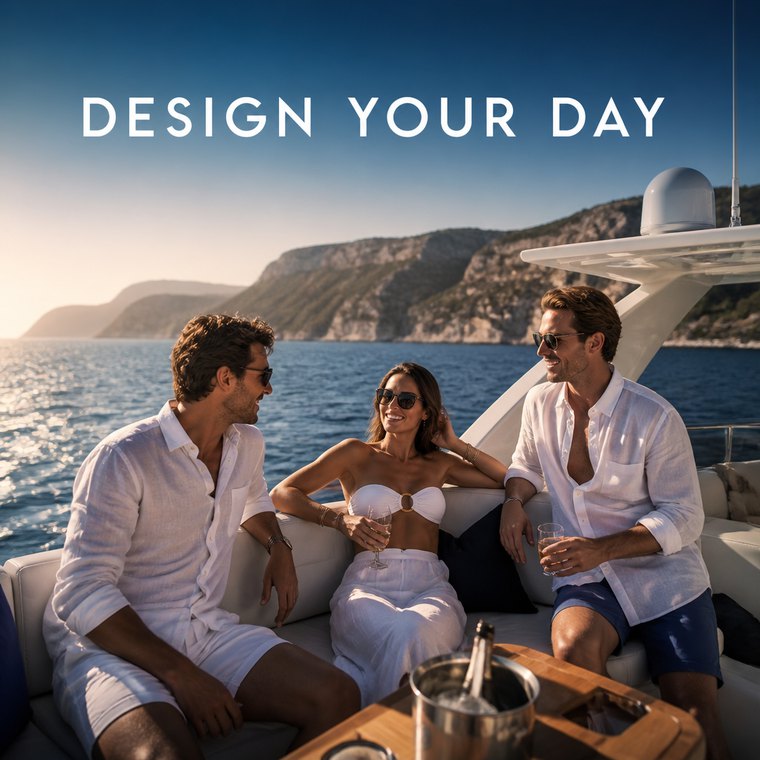
| A real product staged in a scene | Sunburst, product photo as reference | Complexity medium |
| Recurring character in a series | Sunburst, same reference images every time | Complexity medium or high |
| Event poster | Flare to explore, Sunburst to finish | Complexity high for busy layouts |
| Story highlight icon set | Flare or Sunburst as SVG | Complexity low |
| Looping animation for a Story | Flare or Sunburst as GIF | 9 to 16 frames, 100 to 200 ms each |
To go further on these two cases, read how to make a design carousel without a designer and how to restage product photos with AI.
How do you prompt GPT Image 2.6 for a social post?
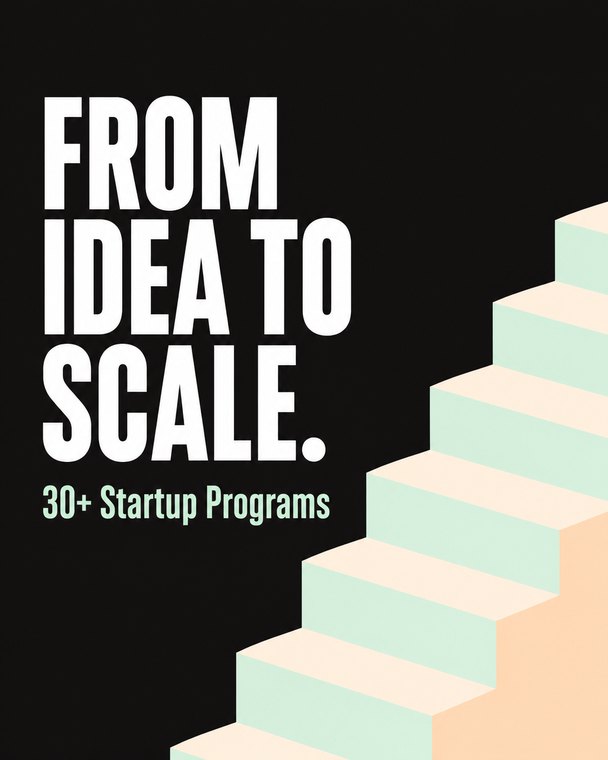
A good prompt states the format, the subject, the exact text in quotes, where the text goes and what to avoid. Here are three examples to adapt (they are examples, not magic prompts):
Instagram post, 4:5. A bottle of peach juice on a warm stone, late afternoon light. Top left, the exact headline "A moment of pure freshness" in large dark green letters. No other text. No logo.
Vertical poster, 9:16, for a jazz concert on Saturday, November 22 at 8 pm. Midnight blue background, a large golden saxophone. Exact text: "Jazz by the harbor", "Saturday, November 22, 8 pm". Elegant type, lots of space around the text.
Square animated GIF, 12 frames of 150 ms. A cup of coffee seen from above, steam rises then fades, looping. Plain cream background. No text.
Three tips that change the result: write the text of the image in quotes, word for word; give a photo of your real product instead of describing it; and never ask the model to draw your logo, it will distort it. Our guide to writing an AI content brief explains the method.
Frequently asked questions
What is the difference between GPT Image 2.6 Sunburst and Flare?
Sunburst targets detailed visual work and precise edits, with a subject that stays the same. Flare targets fast iteration and poster layouts. Both have the same token price.
Can GPT Image 2.6 create an animated GIF?
Yes, through the API: a GIF of 2 to 64 frames, each shown for 20 to 2,000 milliseconds. It is a short, silent loop, not a video.
Is GPT Image 2.6 more expensive than GPT Image 2.5?
The token price is the same, but GPT Image 2.6 plans more before drawing. One public test on 3 images measured about 2.8 times the cost of 2.5, on a very small sample.
What image size should I use for Instagram with GPT Image 2.6?
1024 × 1280 pixels for a 4:5 post or carousel, 1152 × 2048 for a 9:16 Story or Reel. Both sides must be multiples of 16.
Does Oposto use GPT Image 2.6?
Yes, since November 5, 2026: Flare on the free plan, Sunburst on paid plans, with your real products as references and your logo placed by code.
How is GPT Image 2.6 used with Oposto?
In Oposto, every image goes through GPT Image: posts, design carousels, edits of the photos in your media library, product staging. Since November 5, 2026, that means version 2.6, with complexity set to medium, the right balance between care and cost for a brand post. On the free plan Oposto uses Flare; on paid plans it uses Sunburst, except for signup previews and presentations, which use Flare.
What Oposto adds around the model matters as much as the model:
- Your real products go to the model as fidelity references: the product in the image is yours, not a lookalike.
- Your logo is placed by code, never drawn by the model, so it is always sharp and correct.
- Your fonts are shown to the model when the image carries text, so the headline matches your brand.
- Your brand DNA (colors, style, tone) goes with every request.
- Nothing to set up: you ask for a post in the chat, Oposto picks the model, the size and the platform format.
Want to see it on your own brand? Ask the assistant for a post or use content creation, then check it with the pre-publish score. For the full model overview, see also our guide to AI images for social media.